
Examples
Photo to tattoo stencil: real before and after examples
What you are looking at: every “after” image is the unedited output of the Stencira stencil engine (version f8f6918) at its default preset settings, before any hand cleanup. The inputs are public-domain or CC0 images from Wikimedia Commons, linked under each pair.
Pick the example closest to your design, then follow the guide: how to make a tattoo stencil for tuning and cleanup, or how to print it at actual size.
Fine-line pencil sketch: Fine Line preset
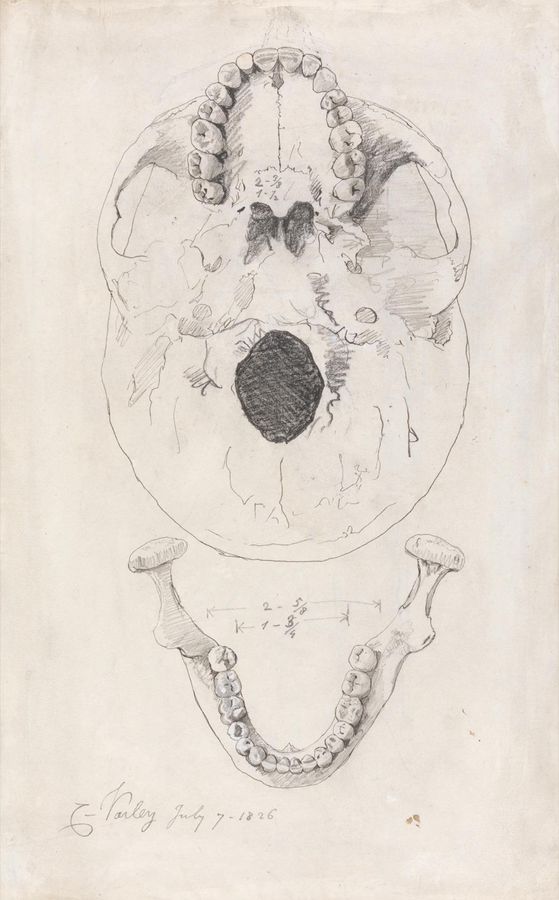
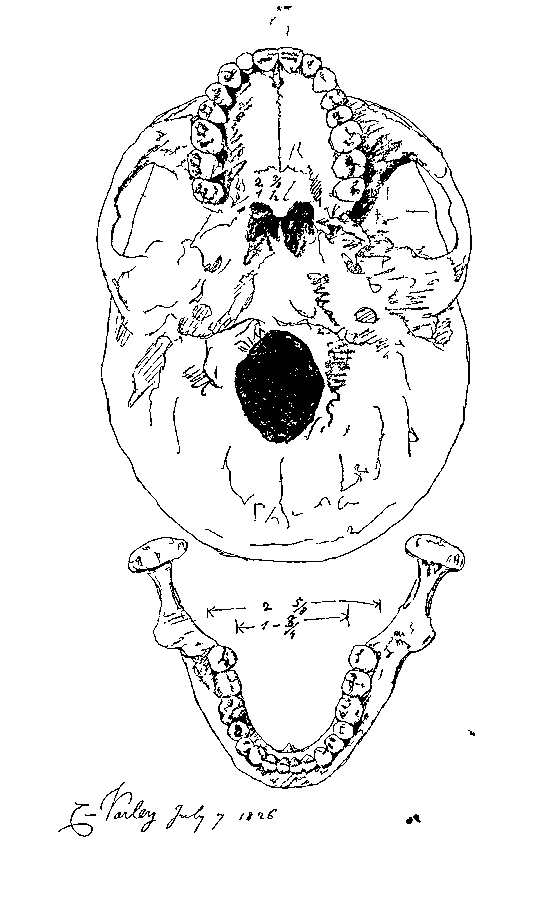
Settings: detail 55, contrast 50, noise cleanup 55, line weight 15, shadow fill 0. Rendered at 870x1400 px by engine f8f6918. Source: Wikimedia Commons (CC0).

Black-and-white photo portrait: Portrait Detail preset
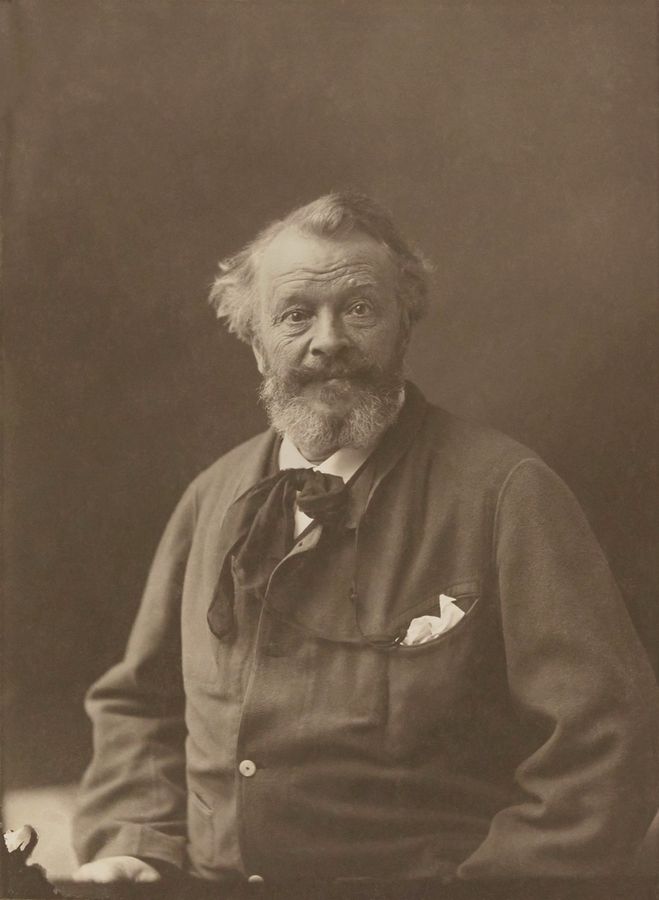
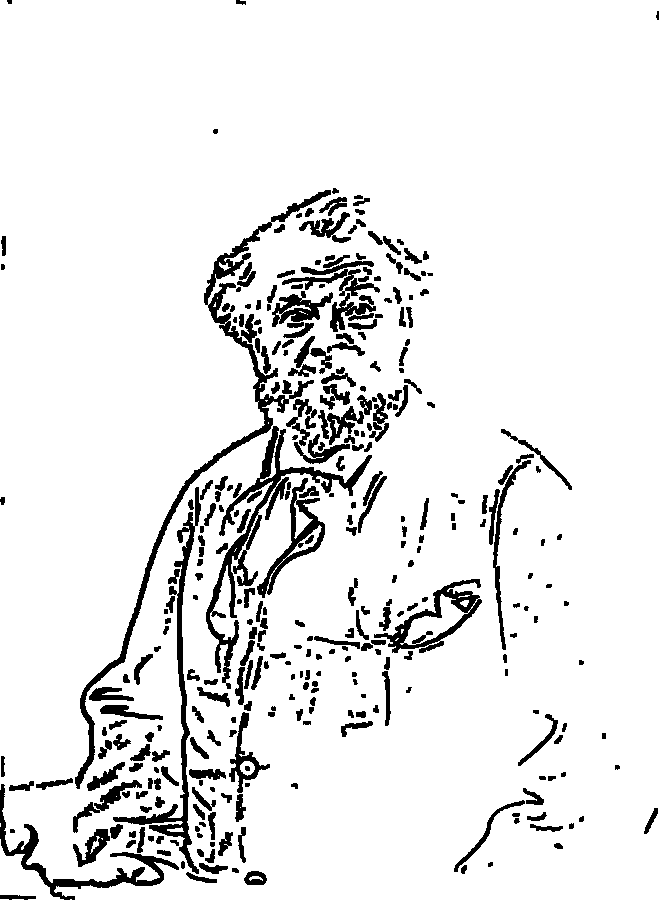
Settings: detail 75, contrast 60, noise cleanup 45, line weight 20, shadow fill 0. Rendered at 1025x1400 px by engine f8f6918. Source: Wikimedia Commons (Public domain).

Bold blackwork (woodcut): Bold Transfer preset
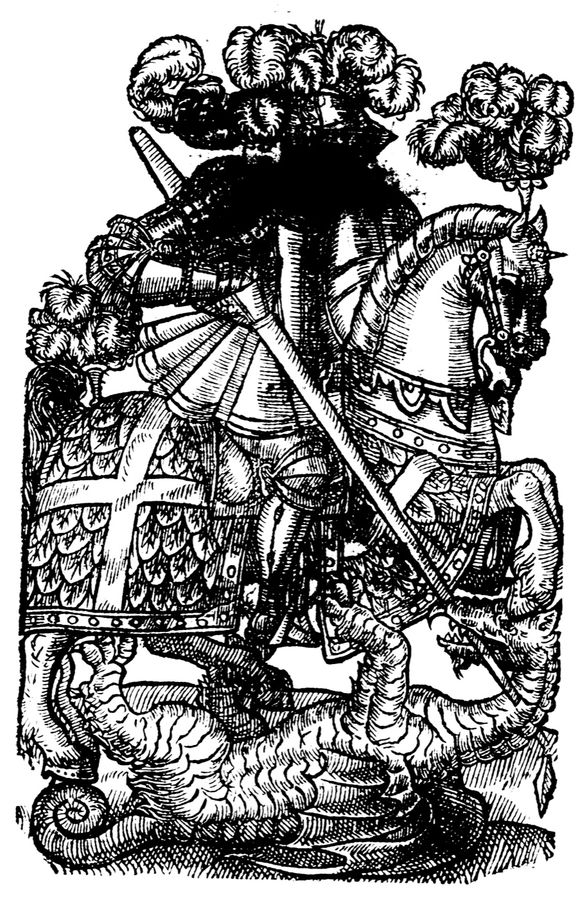
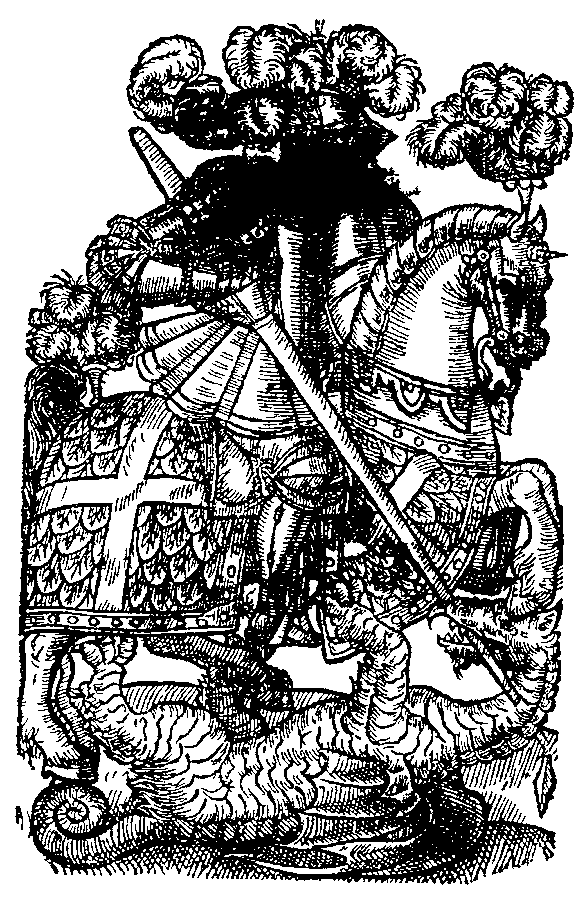
Settings: detail 45, contrast 60, noise cleanup 65, line weight 50, shadow fill 15. Rendered at 899x1400 px by engine f8f6918. Source: Wikimedia Commons (Public domain).

Simple line art: Clean Linework preset
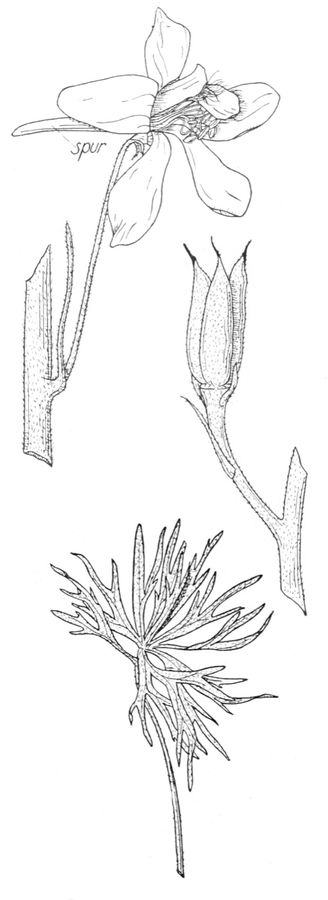
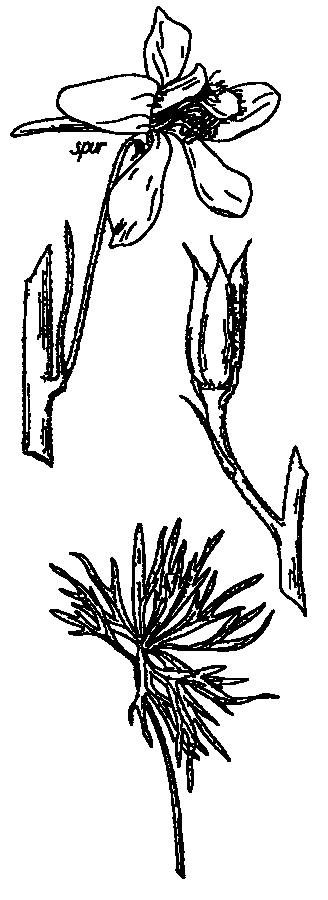
Settings: detail 35, contrast 75, noise cleanup 60, line weight 25, shadow fill 30. Rendered at 511x1400 px by engine f8f6918. Source: Wikimedia Commons (Public domain).

Animal photo (the in-app demo): Bold Transfer preset
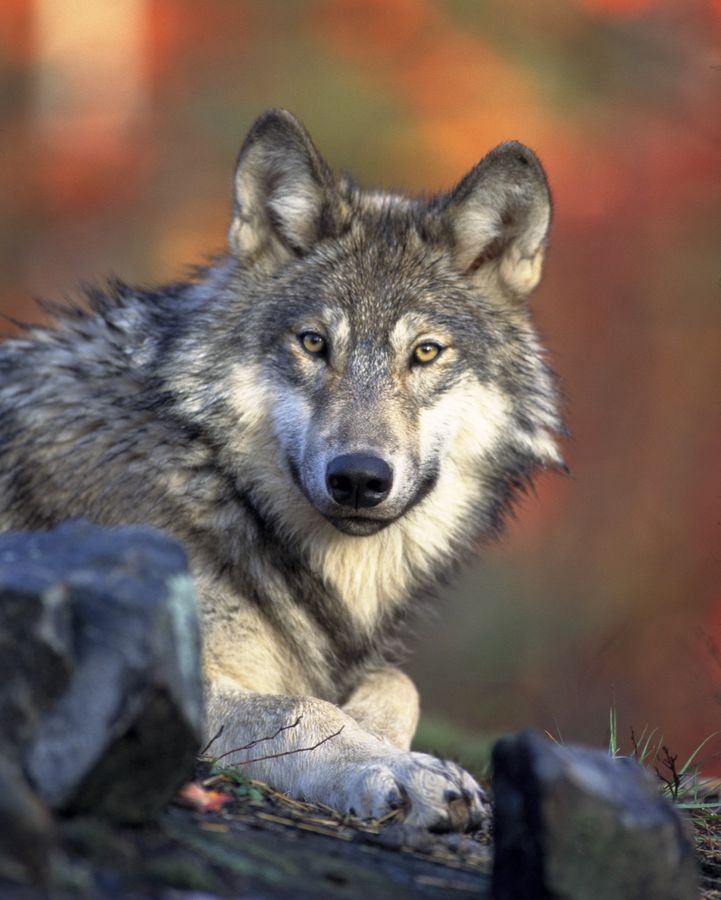
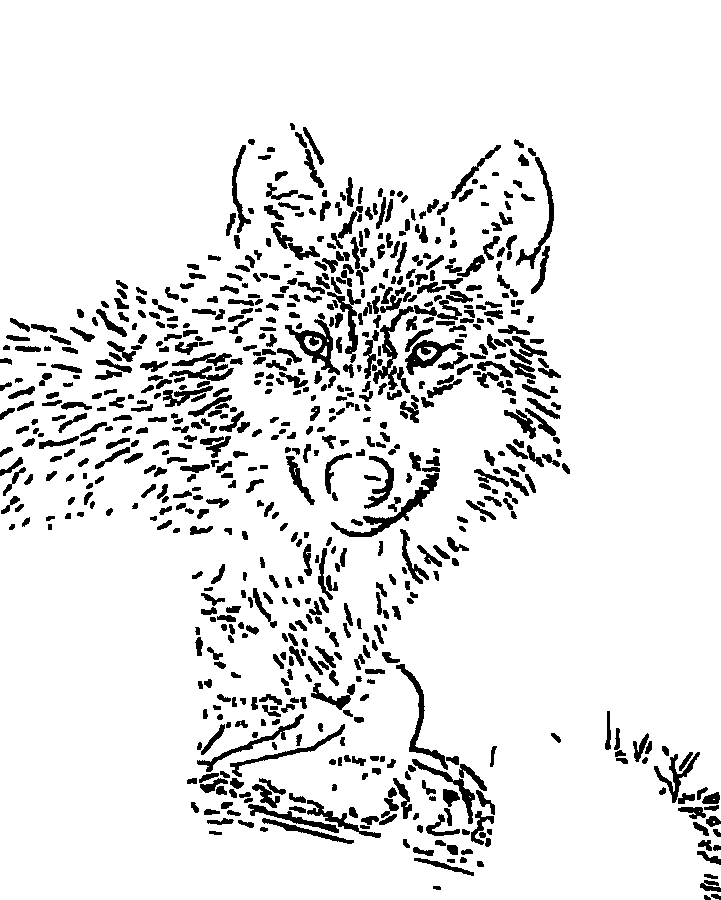
Settings: detail 45, contrast 60, noise cleanup 65, line weight 50, shadow fill 15. Rendered at 1121x1400 px by engine f8f6918. Source: Wikimedia Commons (Public domain (USFWS)).

What the examples show
- Photos (portrait, wolf) become outlines plus the strongest interior lines; out-of-focus backgrounds stay paper.
- Drawings and engravings keep the artist's own lines instead of being re-traced.
- Bold Transfer adds solid black only to sharp dark shapes; use Fine Line or Portrait Detail when you will shade by hand.
- Every stencil still benefits from a quick cleanup pass before printing.